

Best eSIM for China (2026): Top Picks for Tourists
What's the best eSIM for traveling in China in 2026? How to choose one, what to set up before you land, and why a roaming eSIM can also help with blocked apps.
An eSIM is the fastest way to have working data the moment you land in China.
Maps, ride-hailing, translation and mobile payments all need internet, and China’s big sites (Google Maps, WhatsApp, Instagram) are blocked on local networks — which makes choosing the right eSIM matter more than in most countries.
How an eSIM works for China travel
- You install the eSIM before you fly (scan a QR code from the provider).
- On arrival, your phone connects to a local Chinese carrier — China Mobile, China Unicom or China Telecom — for data.
- No physical SIM, no shop visit, no passport registration at the airport.
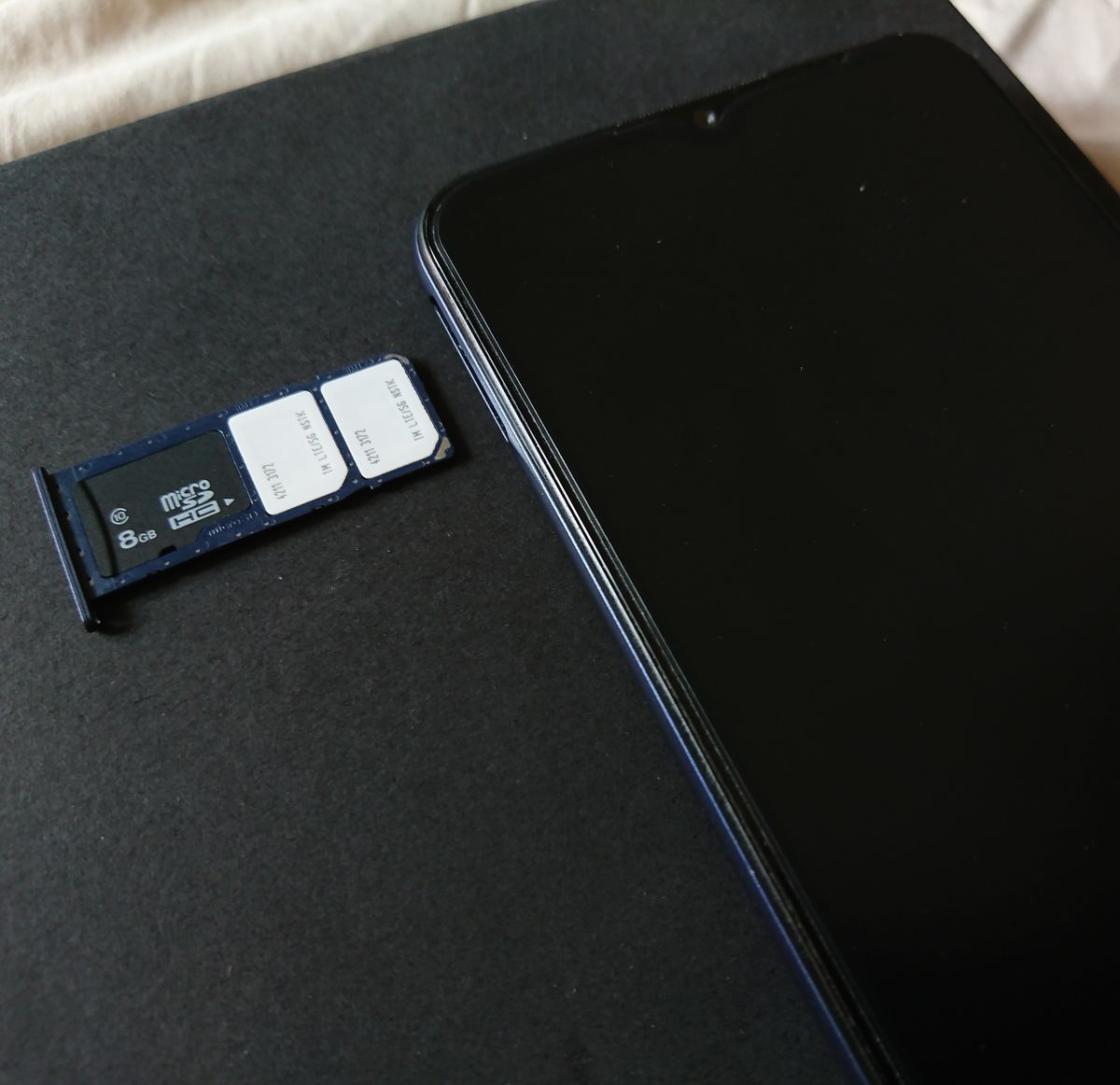
An eSIM replaces the physical SIM card entirely — you install it by scanning a QR code at home, so data is live the moment you land.
What to look for
| Factor | Why it matters |
|---|---|
| Coverage | All three carriers are fine in cities; check the provider covers the regions you’re visiting |
| Roaming vs local | Roaming-style eSIMs route via your home carrier — useful if you need blocked apps |
| Data allowance | 5–10 GB suits a week or two |
| Hotspot support | Lets you share data with a second device |
| Activation | Install before departure so it’s live on landing |
| Price | Compare per-GB cost — China plans are inexpensive |
Recommended picks (2026)
- Airalo — the most widely used travel eSIM, reliable China coverage, cheap per-GB plans, installs before you fly. Good default.
- Holafly — unlimited-data plans, popular with heavy users; slightly pricier, but you never watch the counter.
- Nomad / eSIM providers with roaming routing — if you need Google, WhatsApp and Instagram to work, look for a roaming plan (routes via your home network) rather than a purely local data plan.
Pricing note: exact plans and prices change frequently. Compare on the providers’ sites before you book — and buy a few days ahead so you can install calmly.
Do you also need a VPN?
An eSIM is about data. Whether you can reach Google, WhatsApp or Gmail depends on how the data is routed:
- Local China data → foreign apps mostly blocked → you’d want a VPN (see our VPN guide).
- Roaming eSIM (routes via your home carrier) → foreign apps usually work without a separate VPN.
Many travelers pick a roaming eSIM precisely to avoid the VPN question entirely.
Getting set up
- Check your phone supports eSIM and is unlocked.
- Buy a plan sized to your trip (5–10 GB for 1–2 weeks).
- Install the eSIM before departure — you’ll need a connection to activate it.
- On landing, set the eSIM as your data line; keep your home SIM active for calls and texts.
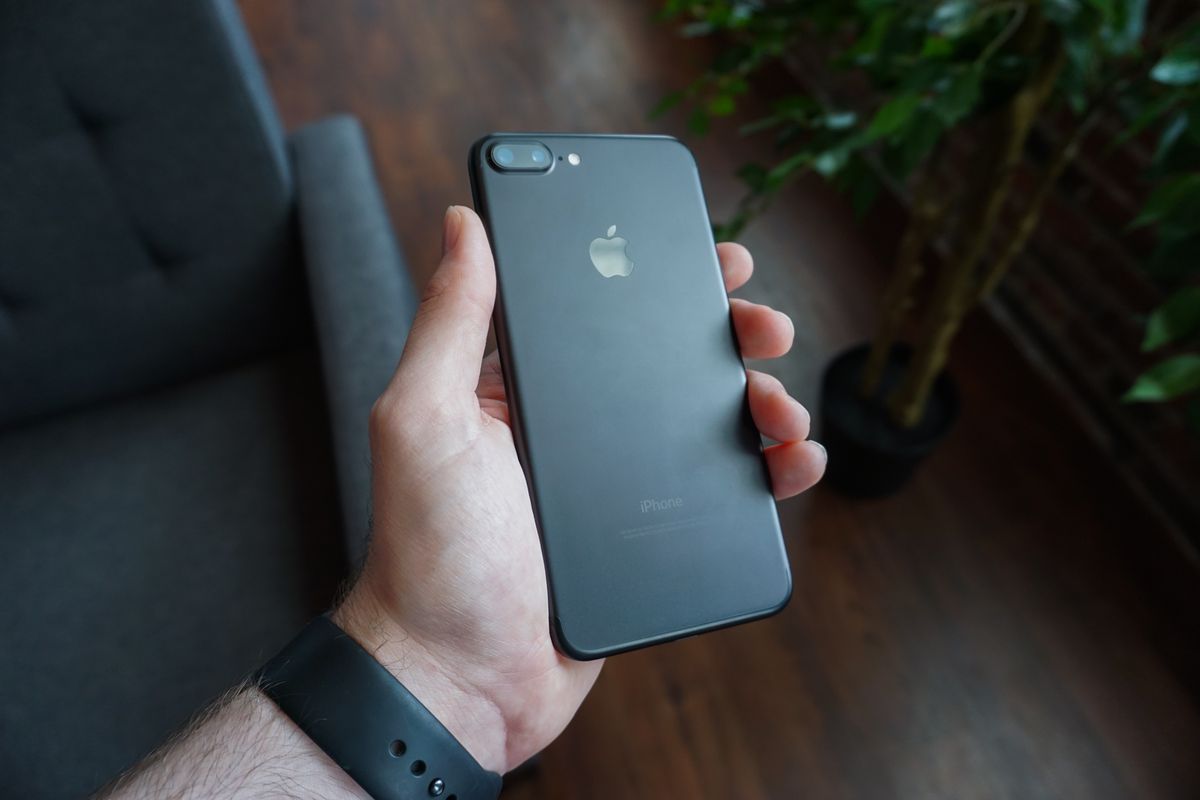
Install and activate the eSIM before you fly — on landing you just switch the data line over and maps, ride-hailing and payments work straight away.
FAQ highlights
- Don’t have an eSIM-compatible phone? Use a physical travel SIM or rely on Wi-Fi + a VPN.
- Rural or far-west China? Check regional coverage; far-west destinations like Xinjiang or Tibet have thinner networks.
- Need numbers/signals for booking confirmations? Keep your home SIM live and switch the data line — no need to choose one or the other.
Picking the right plan for your trip
Travel eSIMs for China come in a few shapes. Asia-region plans cover China plus neighboring countries — handy if you’re doing a multi-country trip. China-only plans are often cheaper for a pure China trip. Some carriers now sell global or regional data passes that include China natively. The key spec is data allowance (how many GB for your trip length) and whether you need voice/SMS — most travelers need data only, since calls go through WeChat or WhatsApp. A common setup: 1–2 GB/day for the active days, enough for maps, translation and payments.
eSIM vs local SIM vs roaming
- Travel eSIM — the easiest: buy online, install via QR, activate on landing. No shop visit, no passport registration at a store. Cost is per-GB and predictable.
- Local physical SIM — usually the cheapest for heavy data, but you’ll queue at a store and register with your passport; the blocked apps (Google, WhatsApp) stay blocked unless you also add a VPN.
- Your home roaming plan — zero setup and works, but often the priciest per GB, and some roaming data still routes slowly in China.
For most visitors, a travel eSIM plus a backup plan is the sweet spot: install it before flying, keep your home SIM live for SMS, and switch data to the eSIM on landing.
Installing and activating, step by step
Most China travel eSIMs follow the same flow. Buy online from the provider’s site or app, choosing your data allowance and dates. Install by scanning the QR code the provider emails you, or entering the details manually — do this at home on Wi-Fi. Activate when you land: turn on the eSIM’s data line and make sure roaming data is enabled. Keep your home SIM active for SMS (bank codes, app verifications) and switch the data line to the eSIM. If activation asks for a specific date, set it to your arrival day. Test with a simple web page before you rely on it for maps.
Speed, coverage and data management
Coverage in China is generally excellent in cities and along rail lines; far-west regions (Xinjiang, Tibet, remote Yunnan) can be thinner. Speeds are usually fine for maps, translation and messaging; heavy video streaming may be throttled on budget plans. Manage your data: set the eSIM as the default data line, disable background updates for apps you don’t need, and use offline maps and downloaded translation packs to stretch your allowance. Most plans allow topping up data if you run low — do it through the provider’s app rather than waiting for a dead spot.
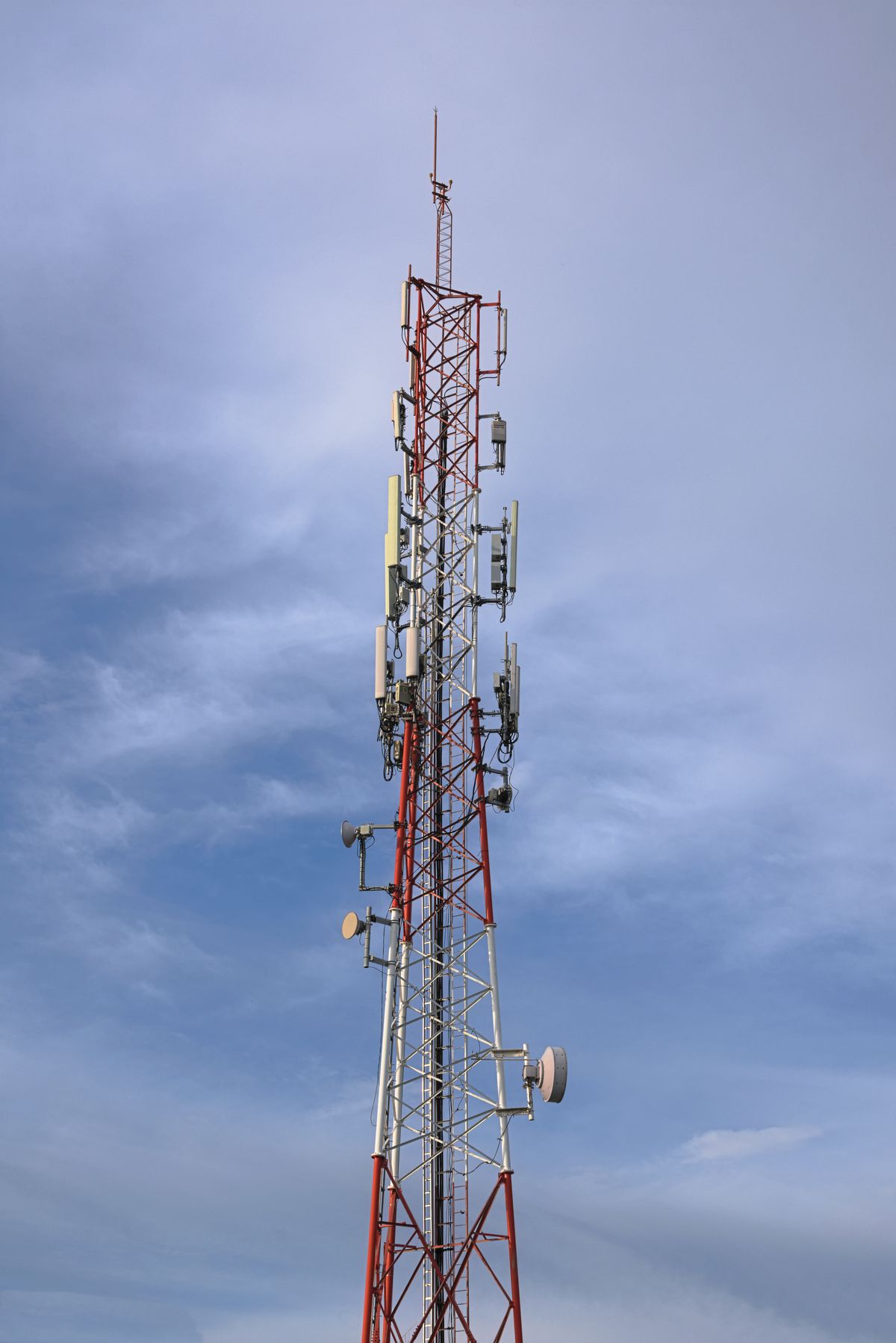
Coverage in China is excellent in cities and along rail lines — far-west regions like Xinjiang and Tibet have thinner networks, so check your route.
Data plans sized for the trip
A rough sense of how much data you’ll actually use helps pick the right plan. Maps, translation and messaging on an active day typically run 300–700 MB. Adding video calls or streaming pushes it toward 1–1.5 GB. So a 1 GB/day plan is comfortable for most sightseeing; 2 GB/day covers heavy users. Weekend trips might need only a few GB total. Providers sell per-day and total-data plans — for short trips a small per-day plan is simplest; for a month on the road, a larger total-data pass is usually better value.
Staying in touch with numbers
A subtle but useful point: an eSIM gives you data but usually not a Chinese voice number. For most travelers that’s fine — calls go through WeChat, WhatsApp or FaceTime. But a few things want a number: some hotel bookings, some attraction registrations, and Didi’s SMS if your account isn’t fully set up. Solutions: keep your home SIM live (it receives SMS on roaming), or buy a local SIM if you need an actual Chinese number. Most visitors manage fine with just the eSIM plus their home number for SMS.
The setup most travelers use is home SIM for SMS and app codes plus eSIM for data — it removes the classic either-or decision at the airport. Choose the plan that matches how many days you will actively use data, and top up if you run low.
Roaming vs local routing, in depth
The single most important choice in a China eSIM is how your data is routed, and it’s worth understanding why. A local plan connects you to a Chinese carrier (China Mobile, Unicom or Telecom) the way a local SIM would — fast, cheap and native, but the blocked foreign apps (Google, WhatsApp, Instagram) stay blocked, because your traffic enters from inside China. A roaming plan also uses a Chinese carrier for signal, but routes your data through a home-network server abroad, so your traffic enters the internet from outside the firewall — which is why foreign apps typically just work. The trade-off: roaming plans are usually a little pricier per GB and can occasionally be slower, because your data travels an extra leg. If you need Google Maps and WhatsApp without thinking about it, the premium for a roaming plan is usually worth it.
Common mistakes to avoid
- Buying on arrival — eSIMs are installed before you fly; trying to set one up on a Chinese network is awkward and unnecessary.
- Skipping the compatibility check — confirm your phone is eSIM-compatible and unlocked before buying; not every device is.
- Choosing local data when you need blocked apps — if you rely on Google or WhatsApp, pick a roaming plan or you’ll still need a VPN.
- Forgetting hotspot support — if you’ll share data with a second device, confirm the plan allows tethering; not all do.
- Setting the wrong activation date — most plans let you pick when the data starts; set it to your arrival day so you don’t burn allowance before you land.
- Ignoring coverage for your route — cities and rail lines are well covered, but far-west regions like Xinjiang or Tibet have thinner networks; check your itinerary.
Troubleshooting on the ground
If the eSIM doesn’t work after landing, most problems have simple fixes. No signal: make sure data roaming is enabled for the eSIM line and that it’s set as the default data line; toggling airplane mode often forces a fresh connection. Works but slow: move to a window or step outside — some buildings in China have thick walls and heavy signal load. Foreign apps still blocked: check whether your plan is actually roaming-routed; if it’s local, you’ll need a VPN. Burned through data: most providers let you top up from the app, so you’re rarely stuck. Phone asks for a PIN: some eSIMs come with a PIN or PUK in the provider’s email — keep that email accessible.
Last updated: August 2026. Carrier coverage and eSIM plans change — verify the latest before you buy.
Frequently Asked Questions
Do I need an eSIM to travel in China?
No, but it's convenient. Wi-Fi is widespread in hotels and cafes, but having mobile data means maps, ride-hailing, translation and payments work everywhere. An eSIM is the easiest way to get it without buying a local SIM card.
Does my phone need to support eSIM?
Yes — check that your phone supports eSIM and is unlocked. Most recent iPhone and Android models do. If yours doesn't, a physical SIM is the alternative.
Will Google, WhatsApp or Instagram work with a China eSIM?
With a local China carrier's data, many foreign apps are blocked. With a *roaming* eSIM that routes through your home carrier, those apps typically work. Check the eSIM provider's description — roaming-style plans route via your home network and bypass the blocks.
How much data do I need?
For a 7–10 day trip, 5–10 GB is comfortable for maps, translation and messaging. Heavy video use needs more. Most providers offer a few sizes so you can match your trip.
Can I keep my home number active at the same time?
Yes — with dual-SIM (or eSIM + physical SIM), your home number stays live for calls and 2FA texts while the travel eSIM provides data. Just set the travel line as the data line.