

Internet Access in China (2026): eSIM, VPN & Staying Online
How to get internet in China — roaming eSIMs, local SIMs, portable Wi-Fi and VPNs, what's blocked, and a step-by-step setup plan before you land.
Getting internet access in China is simple if you set up before you fly — and the single most useful travel decision you can make is buying a roaming eSIM that routes through your home network. This guide walks through every option, what’s actually blocked, and a step-by-step setup plan.
Here is the honest picture: the apps most international travelers use every day — Google (Maps, Gmail), YouTube, WhatsApp, Instagram, Facebook, X/Twitter — are blocked on Chinese mobile and Wi-Fi networks. Everything else — WeChat, Alipay, Baidu Maps, Didi, Trip.com, hotel booking apps, banking apps — works fine. So your internet strategy comes down to one question: how much do you need the blocked apps? For most people, the answer is “enough to want an easy fix,” and the easiest fix by far is a roaming eSIM.
The options at a glance
| Option | Data | Blocked apps | Cost | Easiest for |
|---|---|---|---|---|
| Roaming eSIM | Fast, via home network | Usually not blocked | ~US$4–10/week (estimate) | Most travelers |
| Local eSIM (China Unicom etc.) | Fast, local network | Blocked (need VPN) | ~US$3–6/week (estimate) | Budget travelers |
| Local SIM (physical) | Fast, local network | Blocked (need VPN) | ~US$2–5/week (estimate) | Long stays |
| Portable Wi-Fi | Fast, local network | Blocked (need VPN) | ~US$4–8/day (estimate) | Groups |
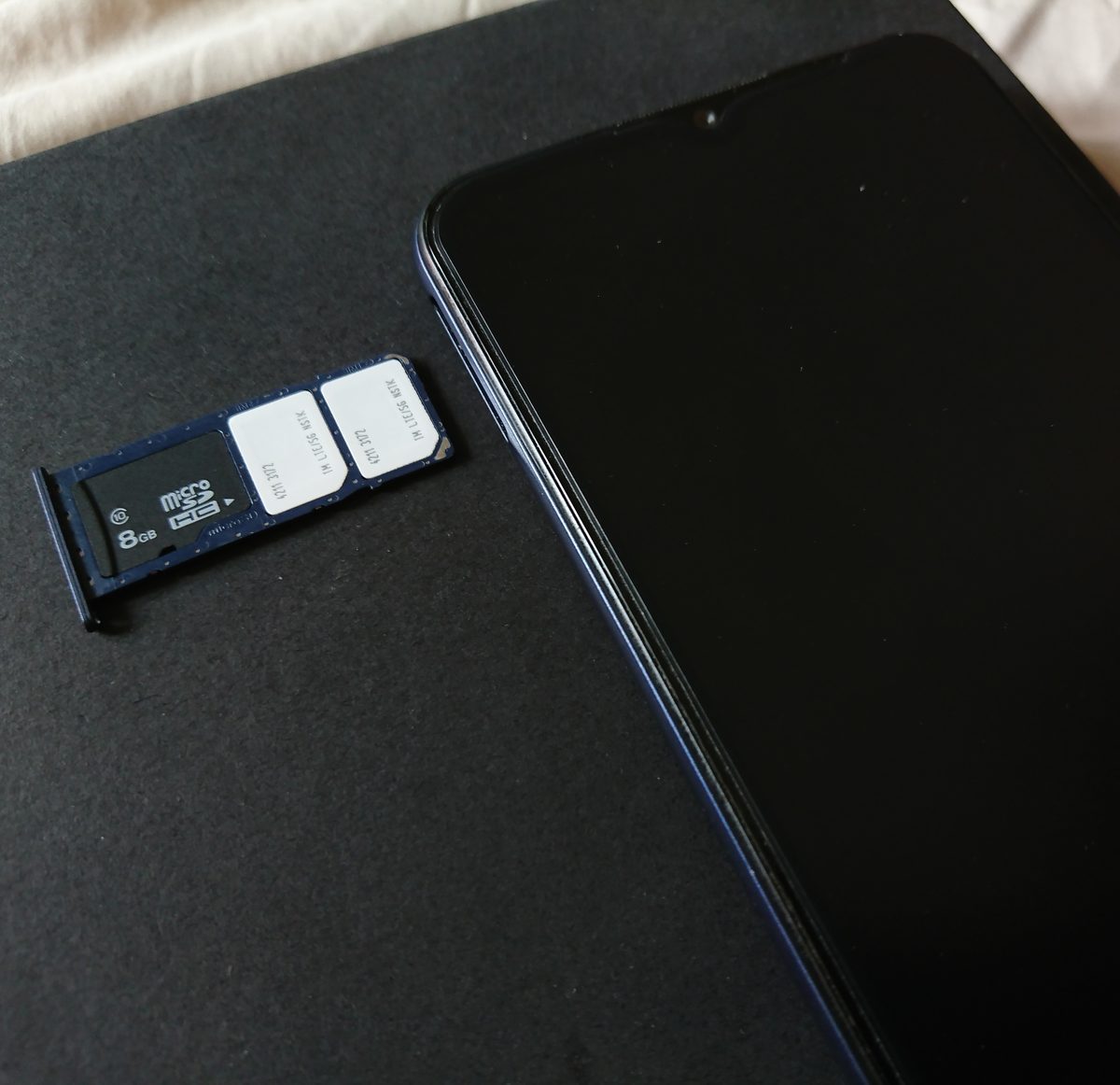
An eSIM installed before departure is the most reliable way to stay connected in China — it routes data through your home network and sidesteps most blocks.
The roaming eSIM: the easiest option
The single most useful thing you can do is buy a roaming travel eSIM before you fly. Here is why it works: the eSIM connects to a Chinese carrier for signal, but it routes your data through your home network in a way that the Chinese network treats as foreign traffic. In practice, that means Google Maps, Gmail, WhatsApp and Instagram usually just work — no VPN required. It’s the same principle as the international roaming you already get from your home carrier, but at travel-eSIM prices.
- Install before you fly — buy the eSIM at home, scan the QR code, and activate it while your normal internet still works.
- Check phone compatibility — your phone must be unlocked and eSIM-compatible; most recent iPhones and Android flagships are.
- Data volumes — a 1 GB/day or 10 GB/week plan is plenty for maps, messaging and light browsing. See our eSIM guide for current provider picks and plan details.
Local eSIMs and local SIMs: the cheaper route
If you’re on a budget or staying a long time, a local plan is cheaper. The three major Chinese carriers — China Unicom, China Mobile and China Telecom — all sell tourist data plans at the airports and in city stores, and you can register with just your passport. China Unicom in particular sells tourist eSIMs that you can buy online before you arrive.
The trade-off is simple: a local plan connects through the Chinese network, so the blocked apps stay blocked. If your trip depends on Google Maps or WhatsApp, you’ll want a VPN on top. For travelers who are happy to use Baidu Maps, WeChat and Alipay for everything, a cheap local plan is perfectly adequate — many visitors never miss the blocked apps at all.
Portable Wi-Fi: the group option
Portable Wi-Fi hotspots are available for rent at most airports and online before your trip, and they’re a good fit for families or groups who want one shared connection for several devices. The devices are small, battery-powered, and connect to the Chinese network — so the usual blocks apply, and you’d pair one with a VPN if you need Google. Data and battery life are decent, and the cost is typically a few dollars a day. For most solo travelers and couples, an eSIM is simpler and cheaper.

Portable Wi-Fi hotspots work for groups, but they use the Chinese network — the same blocks apply, and a roaming eSIM is usually simpler for one or two people.
When you need a VPN
A VPN is the app-level fix that unblocks Google, WhatsApp, Instagram and YouTube on any Chinese connection. If you’ve chosen a local SIM or local eSIM — or if your roaming eSIM doesn’t fully bypass the blocks — a VPN is the standard solution. The rules to follow:
- Install and test before you fly. Once you’re on a Chinese network, app stores and VPN sites can be blocked and connections unreliable. Do all setup at home.
- Use a paid provider with a China track record. Free VPNs are slower, more crowded and more likely to be blocked. Obfuscation or stealth protocols help.
- Set it up on every device you’ll use — phone, tablet, laptop.
- Know the legal picture. China’s regulations prohibit unauthorized personal VPNs; enforcement against individual tourists is rare, but it isn’t officially legal. Decide with the risk in mind. For the full detail, see our VPN guide.
A step-by-step setup plan
Do all of this at home, before you fly, while your normal internet still works:
- Check your phone — unlocked and eSIM-capable? Make sure before buying anything.
- Buy and install a roaming eSIM (or a local tourist eSIM) and test the connection.
- If you’ll need a VPN, install and test it on every device.
- Download the key China apps — Alipay (payment and ride-hailing), Didi (taxis), Baidu Maps (navigation), Trip.com (trains and hotels) — and set them up with your passport. Our essential China apps guide has the full list and setup tips.
- Download offline maps for your cities as a backup.
- Note your important passwords and codes somewhere offline, in case a service is unreachable mid-trip.
Budget
Connectivity is one of the cheapest parts of a China trip. A week of roaming eSIM data is roughly US$4–10 (estimates, prices change), a local tourist SIM around US$2–5, and portable Wi-Fi a few dollars a day. A good VPN subscription is typically US$3–6 per month if you need it. For most travelers, US$10–15 covers a week of full connectivity — data plus a VPN. Compare current prices on the eSIM platforms and carrier sites before you buy, because plans change frequently.
Troubleshooting on the ground
- eSIM won’t activate? Check that data roaming is enabled for that eSIM line, and try restarting the phone. If it still fails, the provider’s support chat usually resolves it quickly.
- VPN won’t connect? Switch servers, try a different protocol or obfuscation mode, and restart the app. Hotel Wi-Fi sometimes blocks VPN traffic — switch to mobile data.
- Google Maps won’t load on a local SIM? That’s the block — use Baidu Maps (it has an English mode) or switch to your roaming line.
- Hotel Wi-Fi is slow or blocked? Use your eSIM data instead; it’s often faster anyway.
- App store is blocked? If you forgot to install an app, don’t fight it — ask your hotel or use your roaming connection, which usually reaches the store.
The bottom line
Internet access in China is a solved problem: buy a roaming eSIM before you fly and Google, WhatsApp and Instagram usually just work; if you’d rather save money, a local SIM plus a VPN does the job for less. Set everything up at home, test it, and download the key China apps before you land. Ten minutes of preparation at home saves you a trip’s worth of frustration. For the deeper dive, our eSIM guide and VPN guide cover both options in detail.
Last updated: August 2026. Providers, plans and network behavior change frequently — confirm current options before your trip.
Frequently Asked Questions
What is the best way to get internet access in China?
For most travelers, a **roaming travel eSIM** is the easiest — it connects to a Chinese carrier for signal but routes data through your home network, so Google, WhatsApp and Instagram usually work without a VPN. If you'd rather save money, a **local eSIM** or **local SIM** is cheaper but leaves the blocked apps blocked unless you also add a VPN. See our [eSIM guide](https://chinotrips.com/how-to/esim-china/) for a full comparison.
Do I need a VPN in China?
Only if you rely on Google (Maps, Gmail), YouTube, WhatsApp, Instagram or Facebook — those are blocked on Chinese networks. If you use a **roaming eSIM** that routes through your home carrier, the blocks usually don't apply and you may not need a VPN at all. On a local SIM, a VPN is the standard fix. For the details, see our [VPN guide](https://chinotrips.com/how-to/vpn-china/).
Which eSIM works in China?
Two types work. A **roaming eSIM** (from Airalo, Holafly, Nomad and others) routes data through your home network and sidesteps most blocks — best for Google and WhatsApp. A **local eSIM** from a Chinese carrier (like China Unicom's travel plans) is cheaper but works on the Chinese network, so blocked apps stay blocked unless you add a VPN. Both are easy to install before you fly.
Can I buy a local SIM as a tourist?
Yes — China's major carriers sell tourist SIM plans at airports and city stores, and a passport is required for registration. Local SIMs are cheap and give fast data, but they connect through the Chinese network, so Google, YouTube and WhatsApp remain blocked unless you also run a VPN. The whole process is smoother with a roaming eSIM bought at home.
Is hotel Wi-Fi good enough in China?
Most mid-range and upscale hotels have free Wi-Fi that's fast enough for browsing and messaging. The catch is that the same blocks apply — Google, YouTube and WhatsApp generally won't load on Chinese hotel Wi-Fi either. A roaming eSIM is the reliable mobile fallback, and many travelers now rely on it entirely and skip hotel Wi-Fi.
How do I set up internet access before my trip?
Do everything at home while your normal internet works: 1) check that your phone is unlocked, 2) buy and install a roaming eSIM, 3) if you plan to use a VPN, install and test it, 4) download the key China apps — Alipay, Didi, Baidu Maps, Trip.com — and 5) download offline maps as a backup. Once you land on a Chinese network, app stores and VPN sites can be blocked or unreliable, so setup ahead of time is essential.