

The Essential Apps for China Travel in 2026
The apps you actually need in China — Alipay, WeChat, Didi, maps, translation, rail booking — and what each one is for.
You don’t need a dozen apps for China — you need about six, downloaded and verified before you land.
China runs on a small set of apps that do everything, and the good news for tourists is that the big ones now accept foreign numbers and foreign cards. Install these before you fly, verify your identity at home on good Wi-Fi, and the trip will be dramatically smoother.

Download the core China travel apps before you fly — payment, maps, translation and rail booking in a handful of icons.
The two you can’t skip
Alipay — payments (and a lot more)
- Your primary way to pay: scan a QR code at restaurants, shops, museums, and street stalls.
- Bind a foreign Visa, Mastercard, JCB or Amex in the app — no Chinese bank account needed.
- Also bundles ride-hailing, rail booking, and city transit for visitors.
- Setup takes about ten minutes — follow our Alipay setup guide.
WeChat — messaging and payments
- How locals talk to each other and to businesses; hotels, guides, and shop owners will expect to reach you here.
- WeChat Pay works at the same QR codes as Alipay — see how to bind a foreign card to WeChat Pay.
- Mini-programs inside WeChat handle bike share, museum tickets, and food ordering.
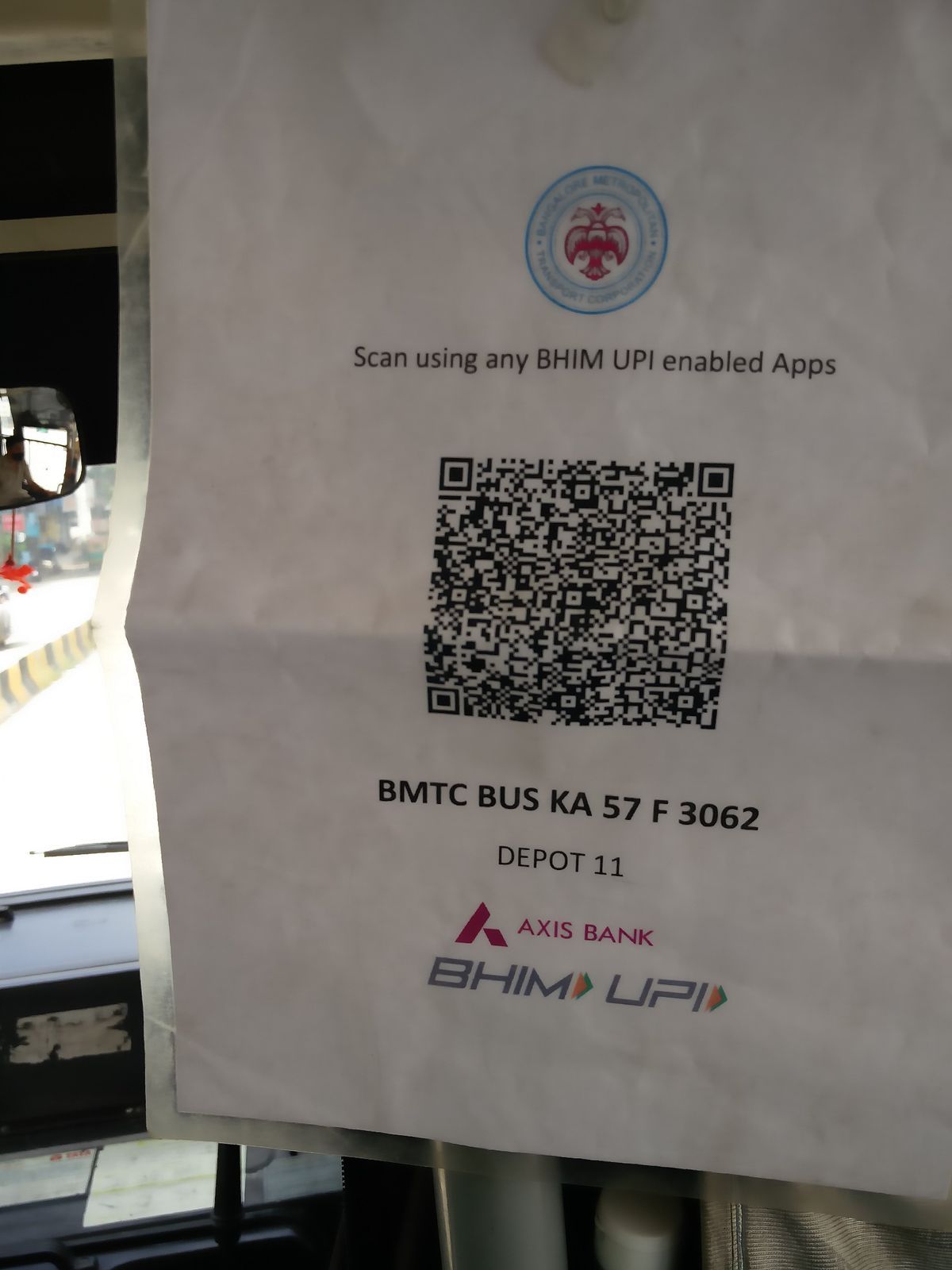
QR-code payment powers Alipay and WeChat Pay — scan at restaurants, shops, museums and street stalls.
Getting around
Didi — ride-hailing
- The Uber-style app that works with a foreign number and foreign card, with an English interface.
- Set up payment before your trip — see our Didi guide.
A maps app — Gaode (Amap) or Baidu Maps
- Google Maps doesn’t work in mainland China. Use Gaode Maps (高德) or Baidu Maps for navigation and public transit.
- Both are Chinese-first, but you can type English place names and pin them; transit routing is excellent.
- Gaode also has ride-hailing and taxi booking built in.
Trip.com or 12306 — high-speed rail
- Trip.com (English, foreign cards, easy) or the official 12306 app for booking G and D trains.
- Board with your passport, not a paper ticket. Full instructions in our train ticket guide.
- Trip.com also covers hotels, flights, and some attraction tickets.

China’s high-speed rail network connects the classic route — book with your passport and board by scanning it.
Language and translation
- Apple Translate and Microsoft Translator both work offline — download the Chinese language pack before you arrive.
- Use them to read menus, signs, and hotel notices, and to have a conversation when no one speaks English.
- Some visitors also install a dedicated Chinese phrasebook app for basics like numbers and directions.
- English is common at big hotels and airports but rare at small restaurants and markets — a translator app earns its place in the first hour.
Staying connected
- eSIM or local SIM — see our eSIM guide for keeping your phone online without roaming charges. Maps, Didi, and translation all need data.
- VPN — Chinese apps work fine without one, but if you need Google, WhatsApp, Instagram, or your home banking app, install and test a VPN before you arrive. Everything you need to know is in our VPN guide.
Nice-to-haves
- Metro/traffic apps — Gaode and Baidu Maps already cover transit; you rarely need a separate one.
- Fliggy or Meituan — local platforms for attraction tickets and food delivery; mainly Chinese, useful if you read Chinese.
- A currency converter — handy but not essential; prices are usually shown in the apps.
The pre-departure checklist
- Download all of the above while on home Wi-Fi.
- Set up Alipay and WeChat Pay with a foreign card and passport verification.
- Register Didi and add the same card or Alipay.
- Download a translation language pack for offline use.
- Install and test your VPN if you need Western services.
- Book your first train or two on Trip.com so you have an e-ticket ready.
Doing it all at home — instead of at the airport — is the single biggest time-saver of the entire trip. And if you’re visiting the big two cities, our guides to Beijing and Shanghai have city-specific tips.
The apps, by real-world job
Rather than a long list, think about what each moment needs. Payment: Alipay (primary) + WeChat Pay (backup). Getting around: Didi for rides, the metro app or Alipay’s transit code for trains, and Baidu/Amap maps for navigation (Google Maps is unreliable without a VPN). Language: a translation app with an offline pack. Booking: Trip.com for trains and hotels, and the official booking mini-programs for timed attractions. Staying in touch: WeChat — most Chinese businesses use it. Install all of them at home; every app you set up before flying is time saved at the airport.
What you can skip
Not every famous app is essential. Douyin (Chinese TikTok) is fun for food recommendations but not required. Meituan is the food-delivery and local-services giant — useful if you want delivery or to book a cheap haircut, but not needed for sightseeing. Xiaohongshu (Little Red Book) has great travel tips but is in Chinese. Netease Cloud Music or video apps are irrelevant for most visitors. The core five — Alipay, Didi, a translation app, Baidu Maps and Trip.com — cover the whole trip; everything else is optional flavor.
Installing apps before you go
The single biggest time-saver of the trip is setting up apps at home, on your own Wi-Fi, with your passport at hand. Most Chinese apps accept foreign phone numbers and foreign cards these days, but verification is smoother before you’re tired and juggling luggage. Do the payment apps (Alipay, WeChat Pay), the transport apps (Didi, Trip.com), a map (Baidu Maps) and a translation app with an offline pack. Once in China, the app stores are the same for most users, but a few Chinese-only services may not appear in your region’s store until you’re in-country — one more reason to install the core five early.
Phone battery and data hygiene
Heavy app use drains batteries fast. Carry a power bank — most travelers burn through a day’s charge on maps, translation and payments. Turn off background refresh for apps you won’t use, keep the screen brightness moderate, and download offline packs (maps, translation) to cut data use. For data, an eSIM keeps you online without hunting for Wi-Fi; hotel and café Wi-Fi can be patchy and sometimes needs a Chinese phone number to log in — the eSIM sidesteps that. A little planning means you’re never hunting for a charger or a signal mid-sight.
The one-app-everything alternative
If the thought of juggling five apps is off-putting, know that Alipay alone now covers a surprising amount: payments, metro transit codes in major cities, rail booking, and ride-hailing shortcuts. A minimal setup of just Alipay + a translation app handles most of a short city trip. Add Didi and Baidu Maps for comfort, and WeChat for messaging. The ‘fewer apps’ route works because the Chinese ecosystem consolidates — you trade a little convenience for a simpler phone. Choose whichever approach suits you; both get you around.
Privacy and permissions, briefly
Chinese apps ask for more permissions than their Western equivalents — location, contacts, storage, camera. A pragmatic approach: grant what the app needs to function (Alipay needs camera for QR, Didi needs location), and be more cautious about contacts and SMS access where the app doesn’t obviously need them. These apps are the standard tools everyone in China uses daily, and they’re not tracking you uniquely — but it’s still sensible to review permissions on install and revoke anything you’re unsure about. Use the same judgment you’d apply to any payment or ride app anywhere.
Common mistakes to avoid
A few app mistakes cause most of the friction for travelers. Installing everything at the airport instead of at home is the biggest — verification, especially for payment apps, is far smoother on a stable home connection with your passport at hand. Assuming Google services work is the second; Google Maps and Translate are blocked in mainland China, so have the Chinese apps ready before you land. Skipping the offline translation pack leaves you unable to read a menu when the data drops. Registering for a service with a Chinese phone number you don’t have is a dead end — use your foreign number and foreign card, which the main apps now accept. Forgetting to set up payment before you need it means a taxi ride or a meal ends with a scramble. And not testing your VPN before arrival — if you rely on WhatsApp or banking apps, a VPN that fails to connect in China is no help at all. Do the setup at home, and the trip starts smoothly.
When something doesn’t work
Even with the right apps, occasional glitches happen. If Alipay declines your card, check the card is set as active in the app and that your bank has not blocked overseas transactions; a quick call to your bank usually fixes it. If Didi shows no drivers nearby, switch the car type or walk to a busier road — and remember the app works best in city centers. If a map pin lands in the wrong place, type the Chinese name of your destination, which maps handle far more accurately than English. If an app asks for a Chinese phone number, you are likely on an older build — reinstall from the current store version, which supports foreign numbers. And if hotel or café Wi-Fi needs a Chinese number to log in, use your eSIM data instead. In every case, the fix is known and quick — the apps are designed for daily use by millions.
Last updated: August 2026. App features and policies change frequently — verify each app works with your card before you fly.
Frequently Asked Questions
Which apps do I really need in China?
The essentials are Alipay (payments), WeChat (messaging + payments), Didi (ride-hailing), a maps app (Gaode/Amap or Baidu Maps), and a translation app. Add Trip.com or the 12306 app if you're taking trains. Everything else is a bonus.
Do Google Maps and Google Translate work in China?
Google services are blocked in mainland China, so Google Maps won't load properly and Google Translate may be unreliable. Most travelers use Gaode (Amap) or Baidu Maps for navigation and a translation app like Apple Translate or Microsoft Translator, which work offline.
Do I need a VPN to use these apps?
Chinese apps like Alipay, WeChat and Didi work fine without one. A VPN is mainly for reaching Western services — Google, WhatsApp, Instagram, and home banking apps. See our VPN guide for what to install before you arrive.
Can I use these apps with just a foreign phone number?
Yes for most: Alipay, WeChat, Didi and Trip.com all accept foreign numbers and foreign cards. A few Chinese services want a local number, but you rarely need them as a visitor. Keep your phone online with an eSIM or local SIM.
How do I pay for everything if I only have these apps?
Alipay and WeChat Pay cover nearly all QR payments, from street food to museums. Didi handles rides, and Trip.com handles trains and hotels. Carry a little cash as backup, and you can go the whole trip without touching a foreign card.