
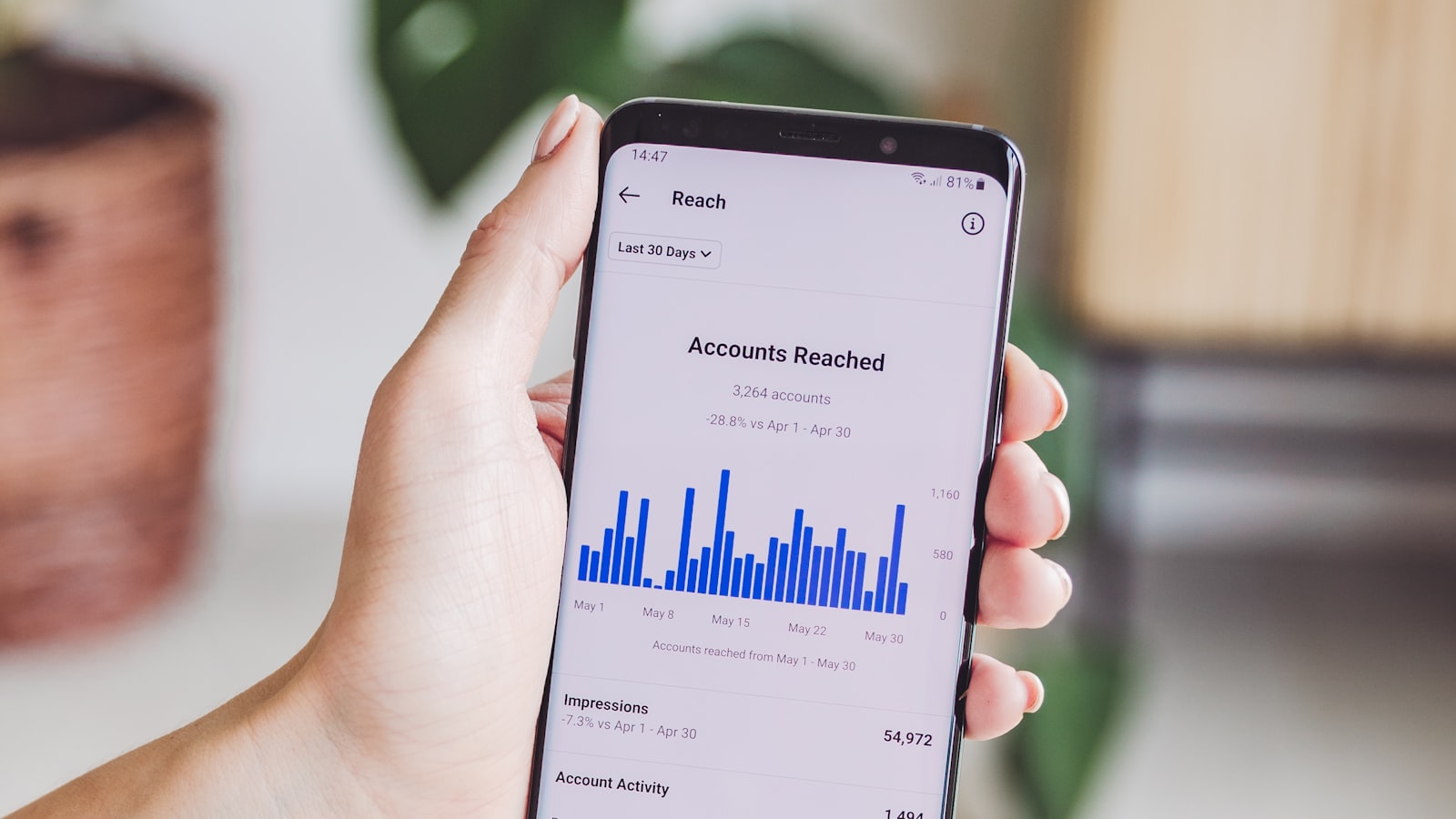
China Mobile Data in 2026: eSIM, SIM Cards & Roaming
How to stay online in China — eSIM vs physical SIM vs roaming, what data costs, coverage and speeds, and what to sort before you fly.
You need three decisions before you land: eSIM, physical SIM, or roaming — and each one changes how your trip feels.
China is a mobile-first country. You’ll use your phone for payments, maps, ride-hailing, train tickets and translation, so a reliable data connection is not a luxury — it’s the backbone of the trip. The good news is that getting online in China is now straightforward, and far cheaper than most visitors expect. This guide walks you through the three ways to get mobile data, what each costs, and what to sort out while you still have home Wi-Fi.

A stable data connection powers maps, payments and translation across the whole trip — sort it before you fly.
The three ways to get mobile data
Every visitor ends up choosing between three options, and each has a clear best-use case:
- eSIM — a digital SIM you install before flying. Best for most tourists: no queues, no passport photocopies at a shop counter, instant activation on landing.
- Physical SIM card — a local card bought in China. Usually the cheapest per GB for long stays, but requires buying and setting up a card in person.
- Roaming — your home carrier’s international plan. Zero setup, but almost always the most expensive and sometimes still blocked from local networks.
For a one-to-three week trip, the eSIM is the default recommendation for most travelers. Our eSIM for China guide covers the best providers and how to set one up.
The eSIM option: easiest by a wide margin
An eSIM is a SIM profile embedded in your phone, activated by scanning a QR code or installing a profile from a provider’s app. You buy it online at home, install it while you’re still on Wi-Fi, and it switches on the moment you land.
Why most visitors choose it:
- No airport counter, no passport process — the entire purchase happens on your phone.
- Instant activation — data is live from the first minute on the ground.
- Keeps your home SIM active — you can still receive calls and texts on your usual number, which matters for banking and two-factor authentication.
- Flexible durations — plans from a few days to a month, topped up from the provider’s app.
The trade-off is price per GB, which is slightly higher than a local physical SIM, and the need for an unlocked phone that supports eSIM. If you’re not sure which way to go, our SIM vs eSIM comparison breaks down the decision in detail.
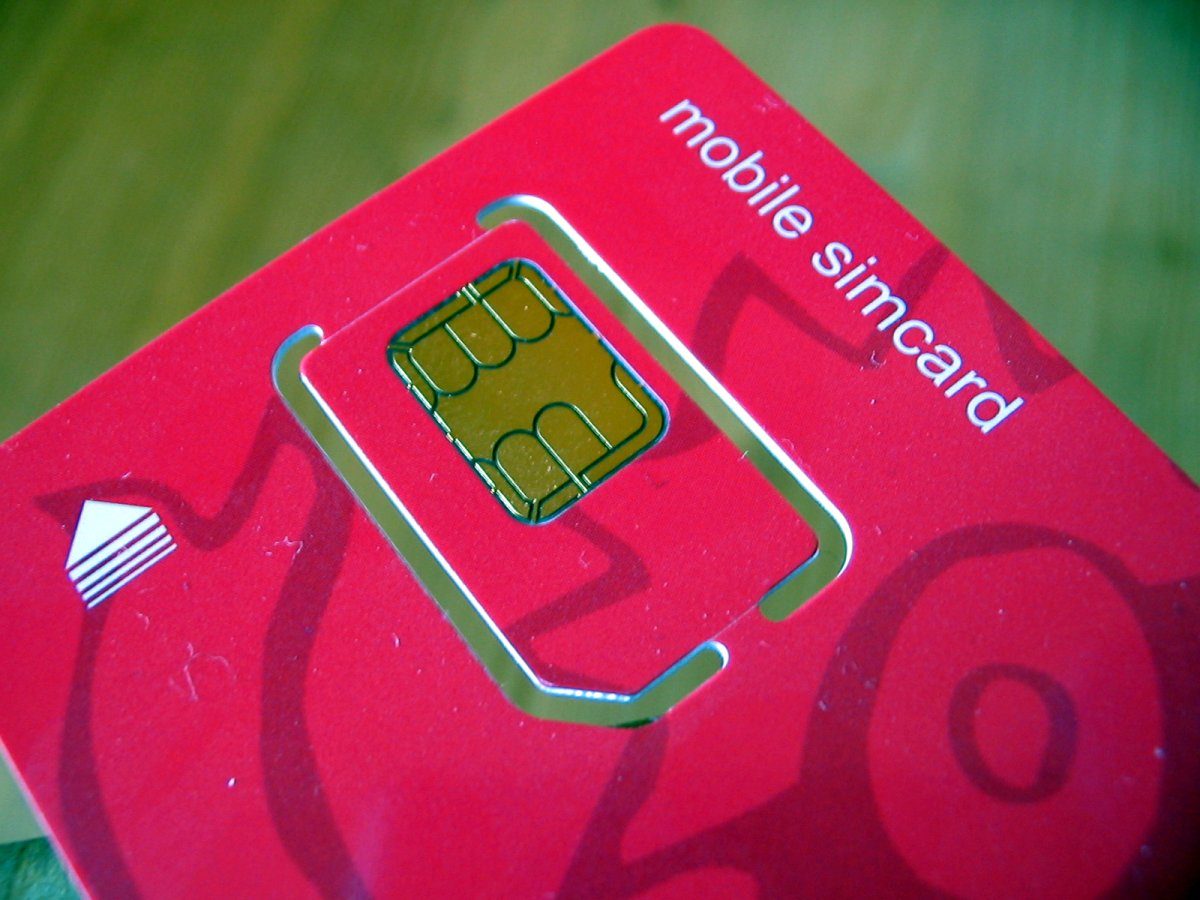
Physical SIM cards remain the cheapest option for long stays, while an eSIM wins on convenience.
The physical SIM option: cheapest for longer trips
If you’re staying for two weeks or more, or you’re on a tight budget, a local SIM card is worth considering. The three big carriers — China Mobile, China Unicom and China Telecom — all sell tourist-friendly data packages at airport kiosks and downtown stores.
What’s involved:
- Bring your passport — carriers require it for registration.
- Expect a short setup conversation; airport counters are used to foreigners and many have English-speaking staff.
- Choose a data-focused package; voice minutes matter little for most visitors.
- Prices are typically the lowest per GB of the three options (estimate, prices change).
The main downsides are the queue, the paperwork, and the fact that your home number goes inactive while the local card is in. For most short trips, the savings don’t outweigh the convenience of an eSIM.
Roaming: zero setup, highest price
If you’d rather not think about it at all, your home carrier’s international roaming plan works in China on arrival. That’s the appeal — nothing to install, nothing to buy.
But roaming is usually the most expensive way to get data, per-GB costs can be several times higher than a local plan, and some carriers throttle speeds or block certain apps. Check your plan’s China coverage and daily caps before you rely on it. For a short city break it’s fine; for anything longer, a local option almost always makes sense.
How much data do you actually need?
The honest answer: less than you’d think, if you prepare. A week of heavy use — maps navigation, ride-hailing, translation, WeChat and light browsing — typically burns through a few gigabytes. Two or three things make the biggest difference:
- Download offline maps for the cities you’ll visit (in the maps app you’ll use, since Google Maps doesn’t work).
- Download an offline translation pack so menus and signs translate without data.
- Save music, podcasts and video before you fly — streaming is the biggest data drain.
With those three habits, a 3–6 GB plan comfortably covers a week for most people. Heavy social-media users or anyone planning to stream should size up.
What it costs: a rough sense of numbers
Prices move constantly, so treat these as orientation, not quotes (estimate, prices change):
- Tourist eSIM: roughly US$3–10 for a week with several gigabytes, depending on the provider.
- Local physical SIM: usually comparable or a little cheaper per GB for longer packages.
- Roaming: frequently the most expensive; check your own carrier’s daily pass price.
China’s mobile market is competitive, and data is genuinely cheap compared with most Western countries. The bigger planning question is usually the VPN, not the data price.
Coverage and speeds
China’s mobile networks are among the fastest and most widespread in the world, and in 2026 the story is no different. In cities you’ll see strong 4G and 5G almost everywhere, including underground metro lines. Trains between major cities stay connected for most of the journey, which makes mobile data on high-speed rail genuinely usable.
The gaps are in genuinely remote terrain: high mountains, deep valleys, desert interiors and some national parks. If your itinerary includes places like Jiuzhaigou, Tibet, or the far west, expect patchy or absent signals and carry offline maps as insurance. Our destination guides note connectivity quirks for specific regions.
The VPN question you can’t skip
Here’s the part many travelers forget until it’s too late: China blocks a long list of Western sites and services — Google, Facebook, Instagram, WhatsApp, and quite a few banking apps. Your data connection will be fast and cheap, but it won’t reach those services without help.
If any of them matter to you, the rule is simple: install and test a VPN before you arrive. A VPN that you download inside China, or one you’ve never tested, is very likely to fail when you need it. Our VPN for China guide explains what works, and the VPN vs eSIM comparison helps you decide whether you need one, both, or just an eSIM.
What to do before you fly: the checklist
- Check your phone is unlocked and supports eSIM (if you’re going that route).
- Buy and install your eSIM (or locate the carrier counter you’ll use for a physical SIM).
- Download offline maps for every city on your itinerary.
- Download a Chinese-English offline translation pack.
- Install and test your VPN, if you rely on Western apps or home banking.
- Check roaming settings as a fallback, even if you don’t plan to use them.
Do all of this at home, on good Wi-Fi. The single biggest cause of travel friction in China is not the network — it’s arriving unprepared and trying to sort out connectivity at the airport with a tired phone and a long queue.
Keeping data costs down on the ground
Once you’re connected, a few habits keep the meter low:
- Set the maps app to download-only mode for the areas you’re in.
- Let photos and messages back up over Wi-Fi only, not cellular.
- Use hotel Wi-Fi for big downloads in the evening (it’s usually fine for this).
- Keep background app refresh off for apps you rarely use.
None of this is essential — Chinese data is affordable — but it means your plan never feels tight, and it saves you from topping up mid-trip.
If something goes wrong
Occasional hiccups happen, and the fixes are usually simple. If your eSIM doesn’t activate, check you’re on the correct APN (most providers preconfigure it) and restart the phone; if it still fails, most eSIM providers support live chat within the app. If a local SIM isn’t registering data, ask the shop staff to confirm the data APN is set correctly — this is the classic culprit. And if you’re suddenly offline in a remote area, remember the offline maps and translation packs you downloaded are still there to get you to the next town.
Last updated: August 2026. Mobile plans, coverage and prices change frequently — confirm before you go.
Frequently Asked Questions
What's the best way to get mobile data in China as a tourist?
For most visitors an eSIM bought before you fly is the easiest: it activates the moment you land, uses your existing phone, and rides on China Mobile or China Unicom's networks. A local physical SIM is usually a bit cheaper for longer stays but means buying and setting up a card at an airport counter or carrier shop. Roaming from your home carrier works but is usually the most expensive per GB.
How much does mobile data cost in China?
Chinese data plans are cheap by global standards. A tourist eSIM with several gigabytes often runs roughly US$3–10 for a week, and local SIM packages can undercut that (estimate, prices change). Always compare a few providers before you buy, and watch for fair-usage limits on plans labelled 'unlimited'.
Will my phone work in China?
Most modern phones work fine. Your phone needs to support the frequencies used by China Mobile, China Unicom and China Telecom, and for an eSIM it must be unlocked and support eSIM profiles. A phone bought in mainland China may lack Google services, but a foreign phone is unaffected.
Do I need a VPN to use mobile data in China?
Chinese carriers don't block mobile data itself, but the Great Firewall blocks many Western sites and apps — Google, Facebook, WhatsApp, Instagram and some banking apps. If you rely on any of those, install and test a VPN before you arrive. See our VPN guide for what works.
Is coverage good outside the big cities?
Coverage is excellent in cities, towns and along major transport routes. In remote areas — high mountains, deep valleys, far-flung villages and some national parks — signals get weaker or disappear entirely. Download offline maps and translation packs as a backup.