
How to Set Up WeChat Pay with a Foreign Card (2026)
Bind a foreign Visa or Mastercard to WeChat Pay for China — setup steps, limits, and how it compares to Alipay for tourists.
WeChat Pay works everywhere Alipay does — and if you’re using WeChat for messaging anyway, it’s worth ten minutes to set up.
WeChat is the app more than a billion people in China use to talk, book, and pay. Its payment arm, WeChat Pay, is accepted almost everywhere QR codes appear — restaurants, supermarkets, taxis, museums, even street vendors. Since 2023 it has been open to international visitors who want to bind a foreign card directly. Here’s how to set it up, and how to decide between it and Alipay.

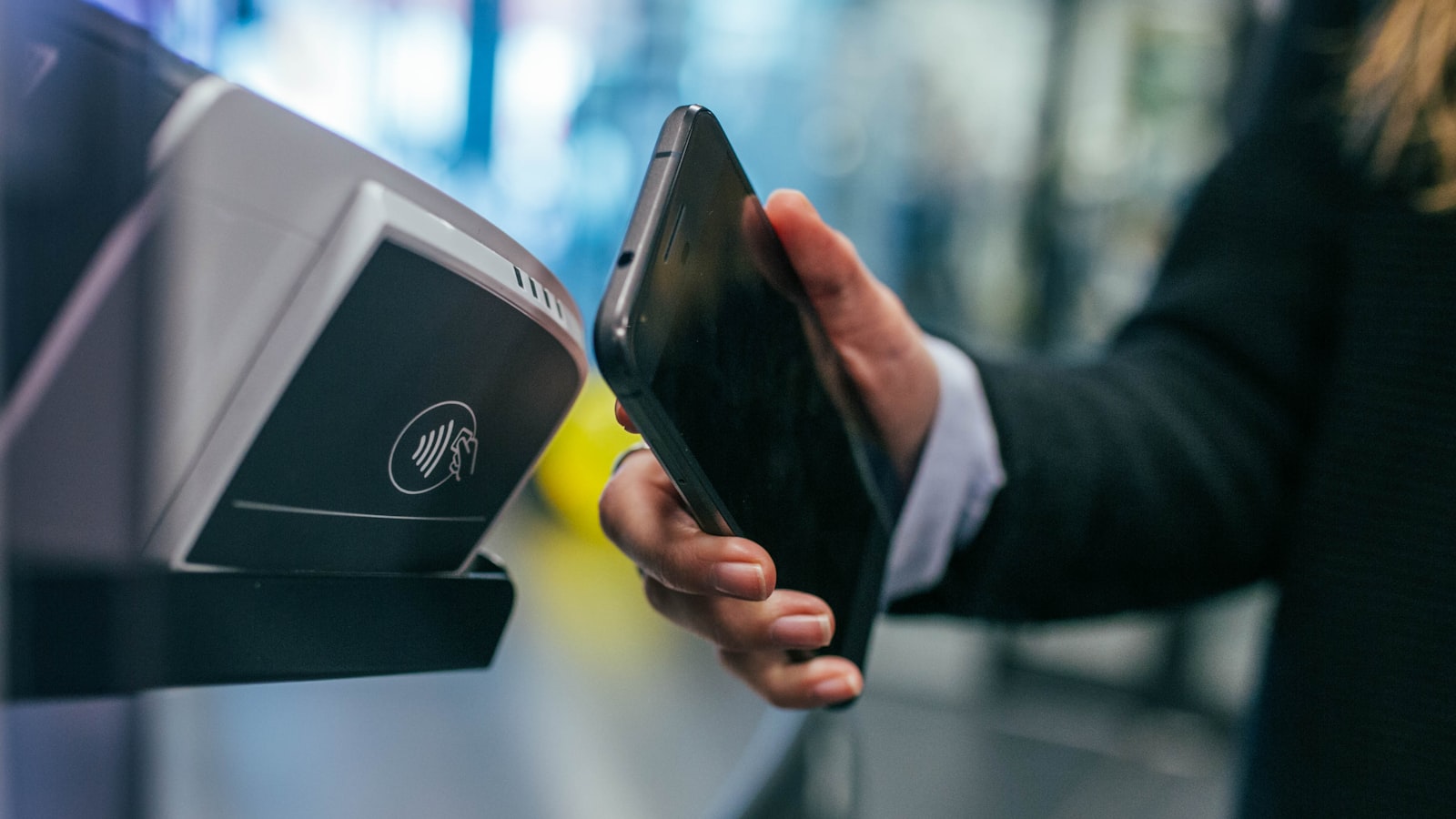
Paying by QR code in China is a two-second act — merchants scan your payment code or you scan theirs, and WeChat Pay is accepted almost everywhere.
WeChat Pay vs Alipay: which to choose
- Alipay has the smoother setup for first-time foreign users, a built-in travel section, and bundled ride-hailing and rail booking. Most tourists make it their primary app — see our step-by-step Alipay setup.
- WeChat Pay is the right pick if you’ll live inside WeChat for messaging — which most travelers do, since hotels, guides, and small shop owners in China contact customers through it. Paying is then a menu away from your chats.
The practical answer: set up Alipay first, then add WeChat Pay as a backup. Both support foreign cards, and having both covers you if one app hits a payment limit or a network hiccup.
What you’ll need
- Your phone and foreign phone number
- Your passport (for identity verification)
- A foreign Visa, Mastercard, JCB or Amex card
- A stable internet connection — do the setup before you fly
Step 1 — Download WeChat and register
Download WeChat from your app store. Tap Register, enter your foreign phone number, and confirm the SMS code.
Step 2 — Verify your identity with your passport
WeChat Pay for international users requires real-name verification:
- Open Me → Services → WeChat Pay.
- Follow the prompts to verify your identity.
- Enter your name and passport number and upload a passport photo if asked.
- Complete this before adding a card — it’s what unlocks payments.
Step 3 — Bind your foreign card
- Open WeChat Pay → Wallet → Cards → Add a card.
- Enter your Visa, Mastercard, JCB or Amex details.
- A small verification charge may appear on your statement — it’s refunded.
- If a card is declined, try another: some banks block the verification charge.
Step 4 — Test a small payment
Pay for a coffee or a snack a day or two before departure so you know it works. If the first payment clears, you’re set for the whole trip.

Test a small payment on your phone before you fly — once the first transaction clears, you’re set for the whole trip.
Using WeChat Pay on the ground
- Pay by QR code: the merchant scans your payment code, or you scan theirs. Both directions work.
- Mini-programs: many businesses — bike share, museum entry, food ordering — run inside WeChat, so paying stays in the same app.
- Transfers: you can send money to friends and guides in WeChat Pay, handy for splitting group meals.
How it compares to Alipay for travel
- Setup: Alipay is generally faster for a first-time foreigner; WeChat’s verification can involve more steps.
- Coverage: nearly identical — both use the same QR standard, so any vendor that takes Alipay almost always takes WeChat Pay.
- Limits: foreign-card binding in both apps carries transaction and annual caps that change over time. Check the latest figures in-app before any large purchase.
- Beyond payments: Alipay currently bundles more travel services (rail, rides, transit) for tourists than WeChat Pay does.
Tips to avoid problems
- Set up both apps at home with Wi-Fi and your passport at hand — it’s dramatically faster than doing it at the airport.
- Pre-notify your bank so the first charge isn’t flagged as fraud.
- Carry a little cash — merchants in China are required to accept it, and it’s your safety net if a network hiccups.
- WeChat’s messaging features work best with the right network setup, and an eSIM keeps you online at home-network speeds.
- For the full picture on payment options, start with our guide to paying in China.
WeChat Pay vs Alipay, on the ground
Both apps scan the same QR codes, and most shops accept either. The practical differences matter at the edges. Alipay has the most polished international onboarding and is the best first choice for a short trip. WeChat Pay becomes more useful the longer you stay and the more you rely on WeChat — many hotels, tour groups and restaurants now contact customers through WeChat, and paying in the same app you’re messaging in is convenient. Neither is ‘better’ in absolute terms: most travelers set up Alipay first and add WeChat Pay as a backup, or vice versa.
Beyond paying: what WeChat does for travelers
WeChat is far more than a wallet. It’s the messaging app nearly every Chinese business uses — many hotels, drivers and small restaurants will scan your WeChat to stay in touch or confirm a booking. Some attractions and shows sell tickets through WeChat mini-programs (though Alipay covers most now). And with WeChat’s translation you can sometimes skip a separate translation app. For these uses, having WeChat set up (even just for messaging) makes the trip smoother even if you pay with Alipay.
WeChat Pay safety essentials
Because WeChat also holds your messages, a few habits keep both safe. Enable the payment passcode and, if offered, face/fingerprint for payments. Don’t open payment links sent in chat from unknown senders — payment happens by scanning real-world QR codes or in approved mini-programs. Watch your limits: foreign-card binding has caps, and the app will tell you if you approach them. If your phone is lost, lock the WeChat account remotely (the account page has a freeze option) and contact your bank to freeze the card.
Common setup hiccups, fixed
- Identity verification fails: make sure your name matches the passport exactly, use good lighting for the photo, and try again — the flow sometimes needs two attempts.
- Your card is declined: confirm the card supports international online transactions, try a different card if you have one, and check the app’s error message for a limit notice.
- The QR won’t scan at a shop: make sure you’re showing the payment QR (not your profile) and the screen is bright.
- WeChat asks for a Chinese number: the international path uses your foreign number; if an old build demands a Chinese one, update the app or reinstall from the current store version.
When WeChat Pay is the right call
For most short trips Alipay alone is enough, but WeChat Pay earns its place in a few cases: longer stays where you’ll deal with many businesses; small shops and markets where a shopkeeper visibly prefers WeChat; and transactions inside WeChat (paying a tour group, a driver, or a mini-program). If you’re already messaging a hotel or host on WeChat, paying them in the same app is natural. The cost is a bit more setup effort — which is why most travelers add it as a backup rather than a first choice.
How the payment actually flows
It helps to understand what’s happening when you scan. There are two QR directions. Merchant scans you: you open the payment code in WeChat Pay (the one with the barcode and QR), the cashier scans it, and the payment is confirmed in seconds — this is the usual flow at shops, cafés and restaurants with a fixed counter. You scan the merchant: at many restaurants and market stalls you instead point your camera at a printed QR code on the table or counter, type the amount if prompted, and confirm. Either way, the money is charged to your bound foreign card in CNY and converted to your card’s currency at the rate applied by your bank or card network. The app shows the approximate local amount before you confirm, and a receipt appears in your payment history. Both directions use the same national QR standard, which is why a single app covers nearly every merchant in China.

From convenience stores to street stalls, one national QR standard means a single app covers nearly every merchant in China.
Fees, limits and exchange rates, in detail
The fine print matters less than most travelers fear, but it’s worth knowing. Fees: small everyday transactions with a bound foreign card are typically free of service fees; there’s usually no minimum spend for the amounts a tourist pays. Limits: foreign-card binding carries transaction and annual caps that change over time — the app tells you if you approach one, and you can check current figures in the wallet settings before any large purchase. Exchange rate: your card is charged in CNY and converted by your bank or the card network; WeChat shows the approximate charge in your home currency before you confirm. If your bank charges no foreign-transaction fee, WeChat Pay is a genuinely cheap way to pay; if it does, that fee applies exactly as it would to any overseas card purchase.
If things go wrong on the ground
A few quick fixes cover most problems. Payment declined: recheck the active card, confirm you haven’t hit a daily limit, and make sure the merchant’s terminal is actually online — sometimes a second scan works. The QR won’t read: raise your screen brightness and make sure you’re showing the payment code, not your profile. Network hiccup: switch from mobile data to hotel Wi-Fi (or vice versa) and retry; carrying a little cash covers the rare case where the network is down entirely. Lost or stolen phone: freeze the WeChat account from another device using the account’s security page, then contact your bank to freeze the card. For more on cash and card fallbacks, see our guide to paying in China.
Last updated: August 2026. App flows and payment limits change — if a screen looks different, check the official WeChat Pay help center before you go.
Frequently Asked Questions
Can tourists bind a foreign card to WeChat Pay?
Yes. International visitors can register WeChat with a foreign phone number, verify with a passport, and bind a foreign Visa, Mastercard, JCB or Amex card directly in the app. No Chinese bank account is needed.
WeChat Pay or Alipay — which should I use in China?
Most tourists set up Alipay first because it's faster to configure, then add WeChat Pay as a backup. Both scan the same national QR-code standard, so merchants that take one almost always take the other. If you'll use WeChat for messaging anyway, adding WeChat Pay takes just a few minutes.
Are there fees or limits on WeChat Pay foreign-card payments?
Small everyday transactions are typically free of service fees, but transaction and annual caps apply to foreign-card binding and change over time. Check the latest limits in the app before a large purchase.
What if my card won't bind?
Try another card — some banks decline the verification charge — confirm your card allows international online payments, and check that the name and number match your passport exactly. As a fallback, cash and Alipay still cover you.
Do I need a VPN to use WeChat Pay in China?
No. WeChat is a Chinese app and works without a VPN. A VPN is mainly useful for reaching Western services like Google Maps and Gmail while you travel — see our VPN guide for details.